95.9% of the world's most-visited websites have at least one detectable accessibility issue. And that number hasn't moved in years.
Not because the tools are missing. It's because an accessibility check is rarely a fixed part of the process before something goes live. It stays on the list as "look at this later", and later rarely comes.
The two problems you'll run into most
Colour contrast
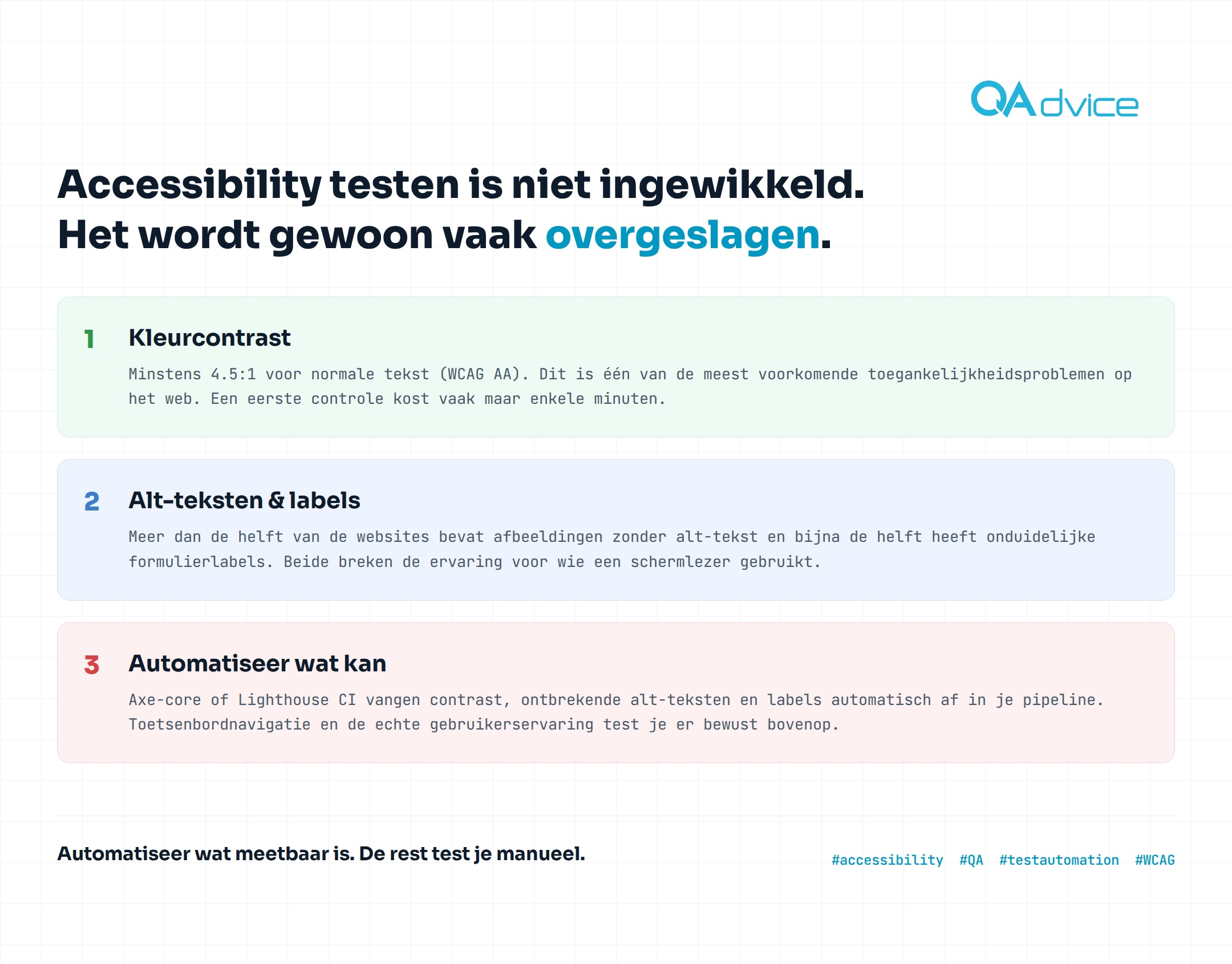
WCAG AA requires at least 4.5:1 for normal text. This is one of the most common accessibility issues on the web, and a first check usually takes only a few minutes.
Alt text and labels
More than half of websites contain images without alt text, and nearly half have unclear form labels. Both break the experience for anyone using a screen reader.
Neither is complex to fix. The problem isn't difficulty, it's that nobody looks at it structurally.
What you automate, and what you don't
Here's the good news: a large share of these problems can be caught without a human having to look. Tools like axe-core or Lighthouse CI check contrast, missing alt text and labels automatically, and that can just live in your existing pipeline.
Keyboard navigation and the actual experience of someone using a screen reader, you test those deliberately on top. That stays human work. But the basics, the things you should check on every build, belong in your pipeline and nowhere else.
In practice, that check looks like a few lines on top of your existing Playwright tests:
// runs on every build, fails the test on any violation
import { test, expect } from '@playwright/test';
import AxeBuilder from '@axe-core/playwright';

test('checkout page meets WCAG 2.1 AA', async ({ page }) => {
  await page.goto('/checkout');

  const results = await new AxeBuilder({ page })
    .withTags(['wcag2a', 'wcag2aa'])
    .analyze();

  expect(results.violations).toEqual([]);
});
Does the build fail because a button has too little contrast? You'll see it right away in the pull request, not later when a user reports it.
Where to start
Add axe-core or Lighthouse CI to your pipeline and let it run on every build, not just at an annual audit. Start with contrast and alt text, those two give the biggest impact for the smallest effort. Build a habit from there: a manual keyboard pass on every new feature that adds interaction.
Accessibility testing isn't complicated. It just gets skipped a lot, and that's exactly the problem you can fix with a few lines in your CI.
Sounds familiar?
We'll review your test approach and tell you honestly where the gains are. And where they aren't.
Book a call